Check Python package version with pip


To find the installed version of a Python package, you can use pip in a few different ways to do so.
Using pip show displays detailed metadata for a specific package, including its version, location, and dependencies.
Example:
pip show requestsOutput:
Name: requests
Version: 2.32.3
Summary: Python HTTP for Humans.
Home-page: https://requests.readthedocs.io
Author: Kenneth Reitz
Author-email: me@kennethreitz.org
License: Apache-2.0
Location: C:\Users\ahmed\AppData\Local\Packages\PythonSoftwareFoundation.Python.3.12_qbz5n2kfra8p0\LocalCache\local-packages\Python312\site-packages
Requires: certifi, charset-normalizer, idna, urllib3
Required-by: locust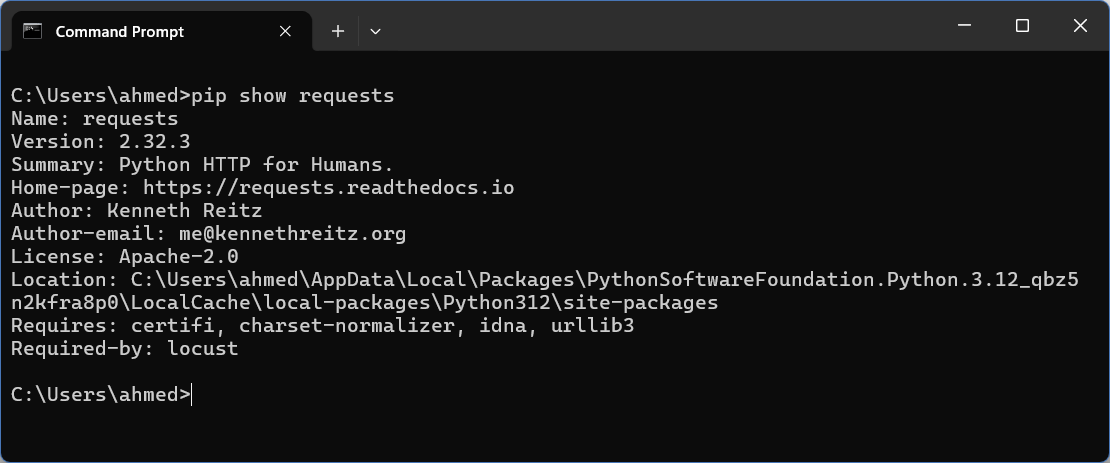
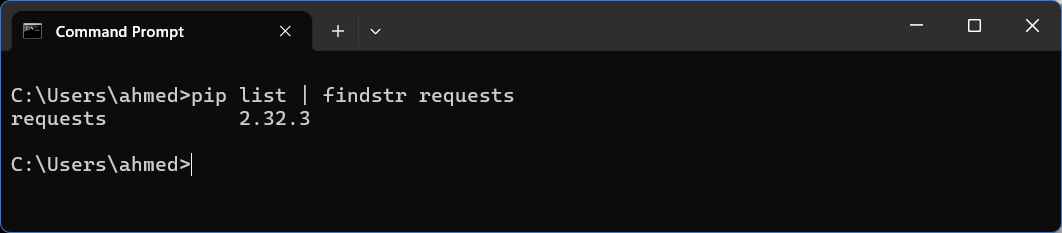
Using pip list lists all installed packages with their versions in a list format.
Example:
pip list | findstr requests    # Windows
pip list | grep requests       # Linux
Output:
requests 2.32.3