
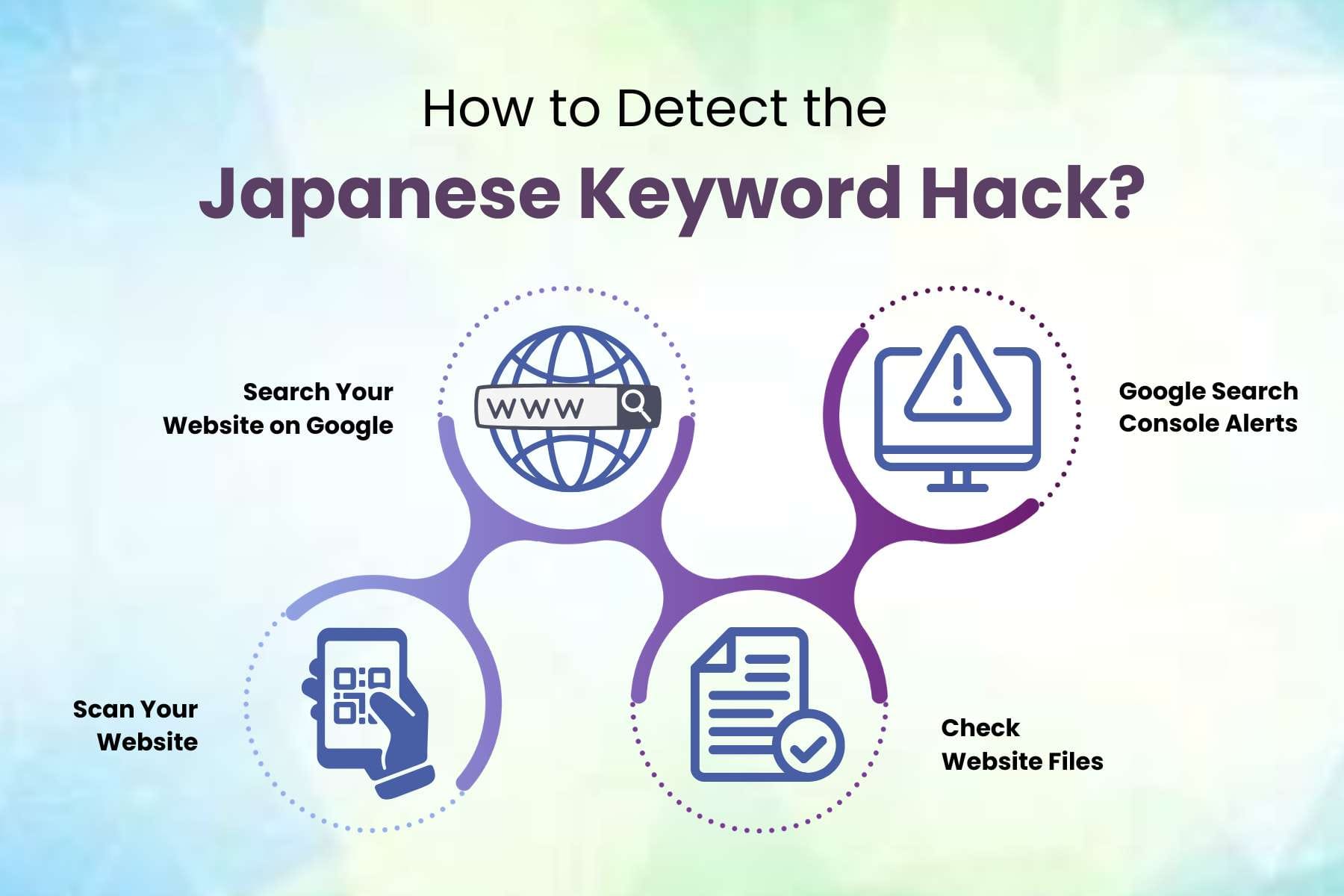
The "Japanese Keyword Hack" (or "Japanese SEO Spam") cyberattack

I started using Google NotebookLM recently (a great product by the way!) but ran into an interesting issue today. For those who don't know much about it, think of NotebookLM is a personal research assistant. You can upload documents and add sources (which remain private) and NotebookLM uses it as its source data in which you can ask interact with it by asking questions, having it summarize the content in a presentation format, and do all sorts of things. Think of it similar to ChatGPT or Gemini, but focused exclusively (and privately) on your personal data.
I created a "notebook" and added a website source. After adding the URL, NotebookLM takes a few moments to parse the site, and then is ready to engage.
However, when I added a particular unnamed site, it showed its content in Japanese and proceeded to summarize the site in the middle pane shown below.
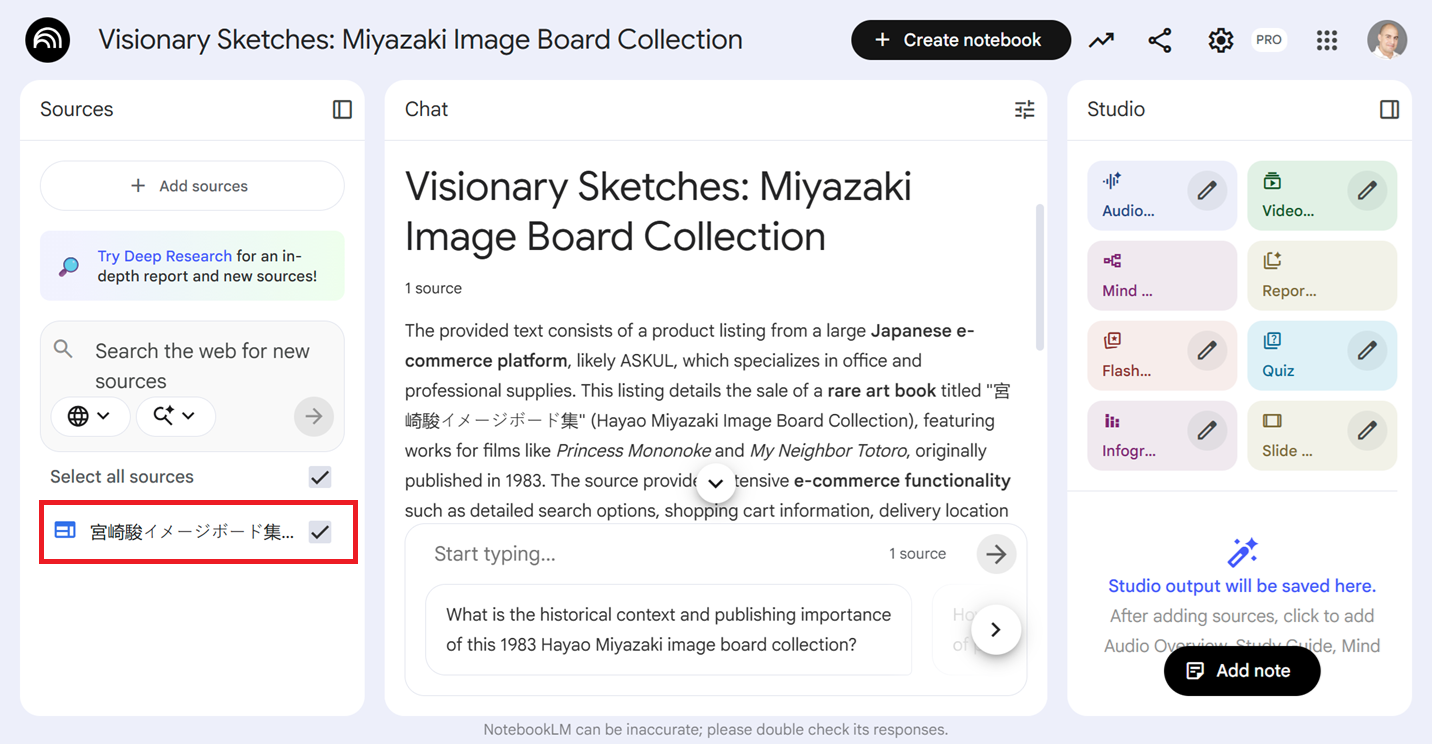
Why does the site show up in my browser fine, but when added to NotebookLM, shows up as a completely different Japanese site?
The Site Was Hacked
While it is confusing, it is almost certainly not a bug in NotebookLM, but rather a security issue with the website I was trying to reference.
The website has likely been the victim of a specific type of cyberattack called the "Japanese Keyword Hack" (or "Japanese SEO Spam").
What Happened?
Hackers have compromised this particular website and injected code that uses a technique called "Cloaking."
- When I (via a web browser) visit the site: The website detects that I am a regular user (via my browser) and shows me the normal, correct content.
- When NotebookLM (a bot) visits the site: NotebookLM uses Google's crawling tools to read the site. The malicious code detects this "bot" signature and serves a completely different page. In this case, a fake Japanese ecommerce store selling counterfeit goods.
Because NotebookLM "reads" the page as a bot, it imports the Japanese spam text instead of the correct content I saw on my browser.
Next Steps
Since I don't own this site, the site owners need to run a security scan (I notified them). It seems that this particular malware hits WordPress sites heavily, which this may or may not be.
Here's an article I found that explains the Japanese keyword hack a bit more.